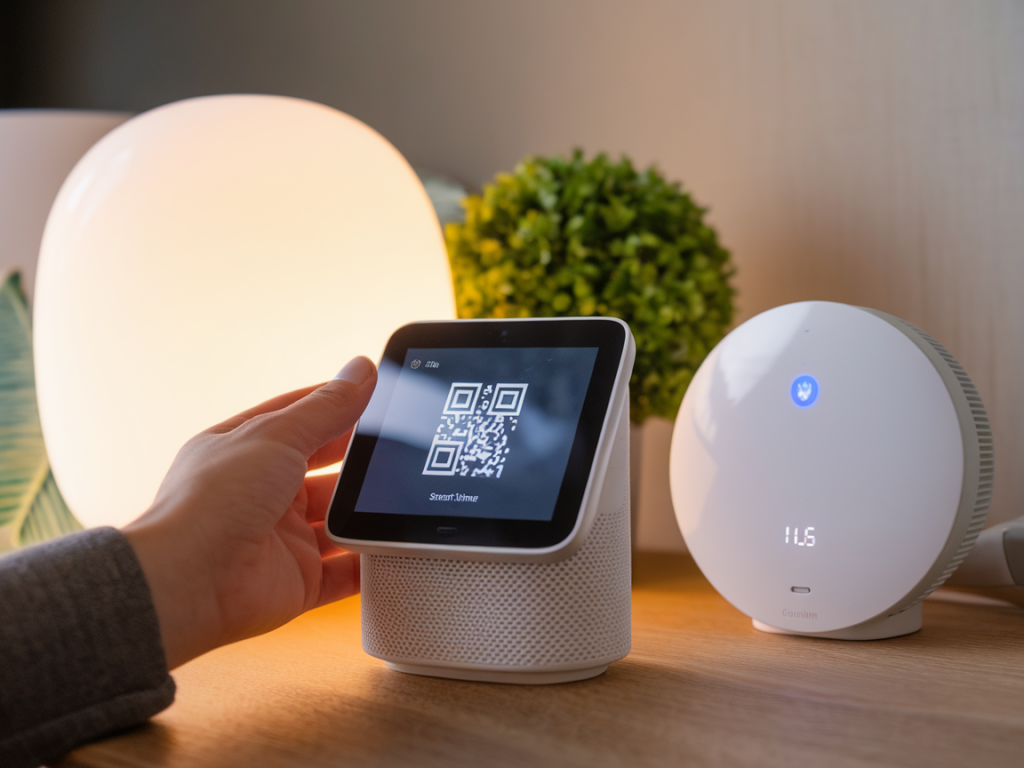
I installed my first smart home hub because I wanted fewer apps, fewer latency issues, and — frankly — fewer cloud services hoarding sensor data about what I do at home. Over the years I’ve tested hubs that promise “local-first” operation and those that lean on cloud conveniences, and I’ve learned there are concrete, repeatable checks you can run before you trust a box with your privacy and safety.
Start with a clear threat model
Before you buy anything, ask yourself what you’re protecting against. Is your concern casual data-mining by ad platforms? Targeted attacks from a stranger on the internet? A compromised vendor update that turns your smart lights into a botnet? The controls you need change depending on the threat model.
For most readers I focus on three practical scenarios:
Privacy from vendor analytics and third-party cloud services.Resilience against remote attackers who could control devices or exfiltrate data.Safety against firmware supply-chain issues or malicious updates.Local AI: what “on-device” really means
“Local AI” is a marketing term that can mean anything from light preprocessing on the device to a full neural model running without ever touching the cloud. I always check four things:
Where inference happens: Is the model executed on the hub itself, on an attached edge device (e.g., Raspberry Pi, Coral TPU), or offloaded to a vendor cloud? True local AI never sends raw audio, video, or sensor streams to a remote server for inference.Data retention and telemetry: Does the hub keep audio/video locally but still report telemetry or feature usage to the vendor? Telemetry can leak sensitive patterns even without raw media transfer.Model updates and reproducibility: How are AI models updated? Are updates downloadable so you can inspect or pin them? Open-source projects like Home Assistant or open models provide more auditability than opaque vendor bundles.Hardware acceleration and side channels: If the hub uses hardware accelerators, are they accessible only to vetted firmware? Hardware can be faster but also adds attack surface.Example: Home Assistant running on a local NPU-equipped device can run voice intent parsing fully offline; a Nest Hub using Google’s speech model will always route at least some voice data through Google services unless explicitly configured otherwise.
Firmware updates: signed, auditable, and reversible
Firmware is the single biggest switch that can convert a benign device into a spy. I look for:
Cryptographic signing: The firmware must be signed and the device must validate signatures before install. Look for mentions of secure boot and signature verification in the spec sheet.Update transparency: Does the vendor publish changelogs, hashes, and update binaries? Open projects publish them; closed vendors rarely do.Rollback and staging: Can you defer updates? Can you rollback if an update breaks behavior or opens a vulnerability? Automatic forced updates are convenient, but you want the option to vet major changes.Update transport security: Are updates delivered over TLS and validated end-to-end? Are code-signing keys protected by hardware (TPM, secure element)?Attack surfaces: device-by-device checklist
Not all hubs are equal — each has a different set of exposed features. I use the same checklist when I audit a candidate hub:
Cloud dependency: Which features stop working without vendor servers? Voice assistants and remote access are the usual culprits.Open ports and services: Does the hub expose SSH, Telnet, UPnP, mDNS, or HTTP admin pages? Minimal external services are better.Integration scope: Every third-party integration (Philips Hue cloud, IFTTT, Tuya) increases risk because it expands the permission footprint.Authentication: Does the web UI or mobile app use strong authentication (2FA, OAuth)? Is local access protected by a password that’s not easily guessable?LAN segmentation: Can you place the hub on a separate VLAN or guest network? Network segmentation is a practical, high-impact control.Physical security: Is there a physical factory reset button that anyone can press? How easy is it to extract storage media?Operational best practices I follow
Buying privacy-first hardware is only the start. My daily operational checklist includes:
Place the hub on a segmented network with no direct access to my primary workstation network.Disable cloud features I don’t use (remote voice commands, cloud backups) even if they’re tempting.Pin firmware versions where possible and only apply updates after a quick community review period for major releases.Use strong, unique passwords and enable 2FA on all vendor accounts. Treat the hub’s admin account like any critical credential.Monitor outbound connections for unexpected destinations. A hub that suddenly chats to unknown servers is a red flag.Open-source vs closed-source: trade-offs
I’m biased toward open-source hubs like Home Assistant or Hubitat for privacy-first setups because the code can be inspected and you can run everything locally. That said, open-source doesn’t automatically mean secure — proper configuration is key.
Closed-source vendors may offer polished UX, hardware integration, and sometimes better-implemented secure boot or hardware-based key storage. Where I choose closed-source, I look carefully at the vendor’s security practices, transparency about updates, and support for local-only modes.
| Aspect | Open-source hub (e.g., Home Assistant) | Closed vendor hub (e.g., Nest Hub) |
| Local operation | High — often configurable | Varies — often cloud-dependent |
| Firmware transparency | High — source available | Low — binaries only |
| Ease of setup | Moderate — technical | High — consumer-friendly |
| Vendor updates | User controlled | Automatic, vendor-controlled |
Red flags that make me walk away
There are a few quick signals I won’t ignore:
Default passwords that can’t be changed.No mention of signed firmware or secure boot anywhere in documentation.Vendor refuses to explain what data they collect or how long they retain it.Mandatory cloud dependency for basic local functionality (lighting, local automations).Small investments with big privacy returns
If you want to harden a hub without rebuilding your entire network, try these low-effort wins I use:
Run Pi-hole or a DNS filter to reduce telemetry and block known tracking domains.Use a firewall or router rules to restrict outbound traffic from the hub to only known vendor servers.Keep a local backup of your hub configuration and automations so you can recover without cloud services.Regularly review integrations and revoke any you no longer use.Choosing a privacy-first smart home hub is about balancing convenience with control. By defining your threat model, demanding local AI where it matters, insisting on signed firmware, and reducing attack surfaces with sensible network hygiene, you can get the benefits of automation without surrendering your home to opaque, remote servers.