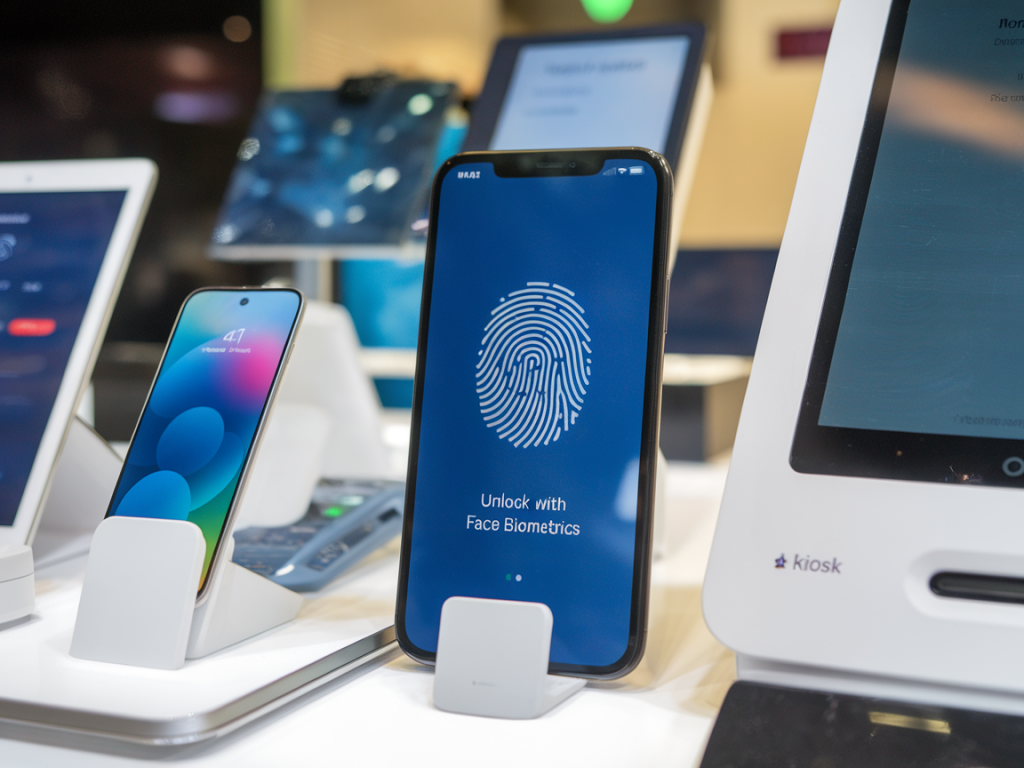
I’ve spent a lot of time testing biometric systems and threat modelling authentication flows for mobile apps and kiosks. Face biometrics are convenient and increasingly common, but they invite a wide range of “liveness” or spoofing attacks — from simple printed photos to sophisticated deepfakes and 3D masks. In this piece I’ll walk you through pragmatic defenses you can implement today, trade-offs to expect, and how to validate that your protections actually work in the real world.
What are liveness attacks and why they matter
At their simplest, liveness attacks trick a face recognition system into thinking a non-live presentation (photo, video, mask) belongs to a legitimate user. Attackers can use these to bypass payments, unlock devices, or impersonate users at kiosks. As biometric authentication spreads to sensitive flows — finance, healthcare, secure facilities — the consequences scale up.
People often assume liveness = "blink check" and that's enough. In my testing, single-frame checks or simple blink prompts stop only the most naive attacks. Modern adversaries use high-resolution displays, replayed videos with natural motion, 3D printed masks, or machine-generated faces (deepfakes). Defenses must therefore be layered and threat-aware.
Layered defensive approach I use
I recommend thinking in layers: passive signal analysis, active challenge-response, sensor diversity, ML-based decisioning, and operational controls. Combining them raises the attack cost and reduces false positives/negatives for legitimate users.
Passive liveness detection — analyze incoming frames for telltale artifacts: texture, reflectance, moiré patterns from prints, lack of subsurface scattering in masks, or screen reflections. These checks are invisible to users and work well as a first filter.Active challenge-response — ask the user to perform unpredictable actions: turn head left/right, smile, count fingers, or follow a moving target. Randomizing the prompts thwarts pre-recorded videos. Keep prompts short to avoid user frustration.Sensor diversity — use hardware features like IR, depth (ToF/structured light), and stereo cameras when available. Depth and IR are especially useful against flat images and some screen attacks.Model ensembles — combine multiple ML detectors (texture, temporal consistency, depth) and a small decision-rule engine rather than relying on one big binary model. Ensembles are more robust to single-point failures and adversarial examples.Operational controls — rate limit authentication attempts, monitor anomalies (multiple fails from same device/user), and require secondary verification for high-risk transactions.Practical techniques for mobile apps
Mobile devices have a mix of capabilities. iPhones with Face ID provide secure hardware-backed liveness checks, but many Android devices vary widely. Here are concrete steps I recommend for mobile apps.
Prefer platform biometrics where possible. If the OS-native biometric framework (Apple’s LocalAuthentication, Android BiometricPrompt) supports face unlock with secure hardware, route authentication through it. You outsource much of the heavy lifting and maintain TEE-backed templates.Implement app-level anti-spoofing for custom flows. When you must build your own face capture (KYC, onboarding), add passive analysis (high-frequency texture anomalies), and prompt-response sequences with randomized gestures. Don’t rely on a single blink or lip-synch check.Use Inference on-device when privacy allows. On-device ML reduces latency and privacy leakage. Lightweight models can detect screen reflections, moiré patterns, or unnatural lighting. For heavier analysis (temporal deepfake detection), consider hybrid approaches where ephemeral, encrypted frames are sent for probabilistic scoring on a server with strict retention limits.Leverage hardware sensors. If the phone exposes IR or depth APIs, use them. For example, many mid-to-high tier phones provide IR for face unlock that can detect subtle depth and skin reflectance differences.UX considerations. Keep interactions short and predictable. Users will abandon flows that feel invasive or unreliable. Provide fallbacks (PIN, one-time password) and clear messaging when liveness checks fail, including guidance on improving capture quality (lighting, camera angle).Practical techniques for kiosks and terminals
Kiosks face different constraints: predictable hardware, public exposure, and higher physical attack sophistication (3D masks, coordinated attacks). I’ve worked with kiosk teams to build hardened stacks that balance security and throughput.
Use multi-modal sensors. Combine RGB with depth (Intel RealSense, Microsoft Azure Kinect), IR imaging, and stereo cameras. Depth sensors alone can defeat flat-photo replays and many screen-based attacks.Present randomized visual challenges that require head movement or changes in expression. For kiosks, a subtle 3D target that the user follows with their head is quick and effective.Physical anti-tamper. Secure camera housings, tamper-evident fixtures, and regular hardware diagnostics help detect swapped cameras or overlays designed to feed pre-recorded video.On-device cryptographic binding. Tie captured biometric evidence to the kiosk hardware using TPM or secure elements. This prevents an attacker from replaying recordings from a remote device without the kiosk’s private key.Testing and adversarial validation
A defense is only as good as the tests you run. I always build a test suite that includes:
High-resolution printed photos under different lightingScreen replays using modern OLED and LCD displaysVideo replays with varying motion and compression3D masks, silicone prosthetics, and 3D printed replicas where feasibleDeepfake videos generated with current public modelsKeep a red-team mindset and periodically invite independent penetration testers. Track false reject rates (FRR) and false accept rates (FAR) under realistic conditions. In deployments I’ve audited, a common failure is overfitting to lab attacks and missing scaled, low-sophistication attacks that occur in the field.
Privacy, compliance and user trust
Face biometrics raise privacy and regulatory concerns. I always advise the following:
Minimize data retention — store templates, not raw images. If you must transmit images for server scoring, encrypt in transit and delete after scoring. Document retention policies clearly in your privacy policy.Obtain explicit consent — make clear what you’ll use the biometric for and offer alternatives.Use explainable signals — when rejecting a liveness check, provide a simple explanation (e.g., "insufficient lighting" or "motion not detected") so users can retry rather than feel arbitrarily blocked.Quick comparison of common techniques
| Technique | Strengths | Limitations |
| Passive texture analysis | Invisible, low UX impact | Can be fooled by high-quality prints or screens |
| Active challenge-response | Effective vs video replays | Usability cost, vulnerable to 3D masks |
| Depth/IR sensors | Strong vs flat attacks and screen replay | Additional hardware cost, some masks mimic subsurface scattering |
| Ensemble ML models | Robust to single-model failures | Requires ongoing adversarial testing |
Deploying liveness defenses is an ongoing process. Threats evolve — adversaries will always chase the weakest link — but layering passive checks, active challenges, sensor diversity, and sound operational controls gives you a practical, testable path to hardening face biometrics for both mobile apps and kiosks. If you want, I can share a lightweight test checklist or a sample threat model tailored to your platform next.