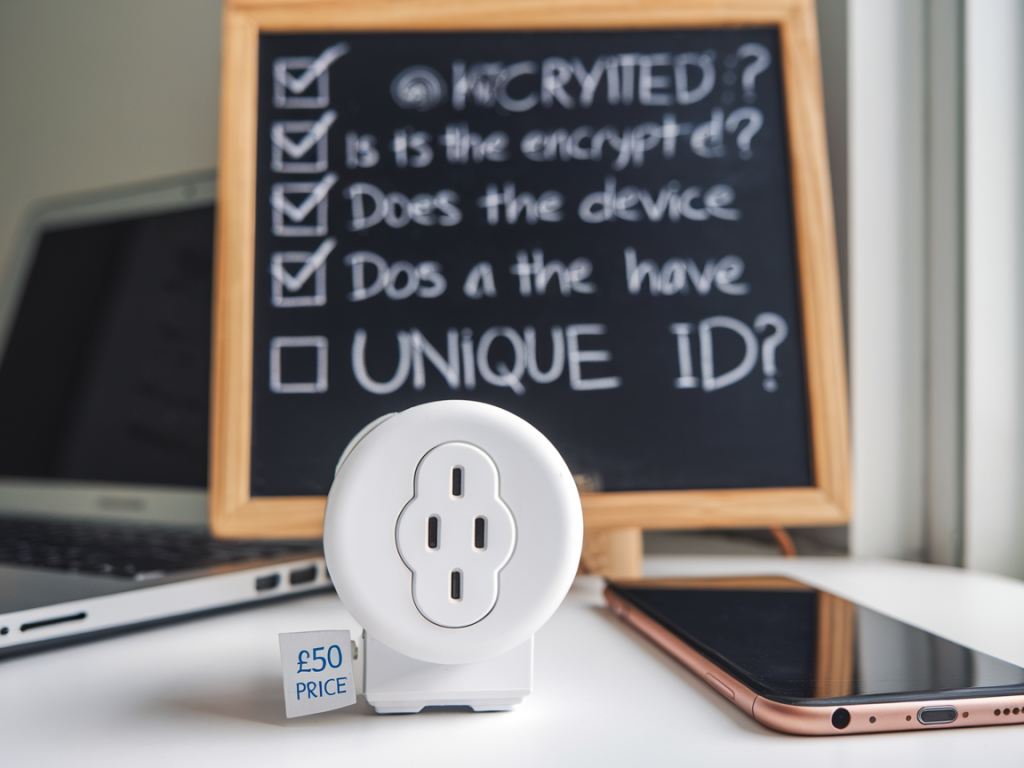
I bought a cheap smart plug for my kitchen lamp last month. It was under £50, tucked into a sale, with shiny app screenshots and hundreds of five-star reviews. On the face of it, it solved a small convenience problem: turn the lamp on and off from my phone, schedule it, and integrate with my voice assistant. What it didn’t advertise was how that little device could become a doorway into the rest of my home network — or what to check before you press “Add to basket.”
Why a smart plug matters for cybersecurity
Smart plugs are deceptively simple Internet of Things (IoT) devices: they’re just power switches with Wi‑Fi chips and a companion app. But they sit inside your electrical infrastructure and on your network, and that proximity gives them value to attackers. A compromised plug can be used to:
scan the local network for vulnerable devices;act as a persistent foothold to exfiltrate data;help pivot to other devices (NAS, IP cameras, routers) if they have weak protections;leak metadata about your habits (when you’re home/away based on plug usage);become part of a botnet participating in wider attacks.That doesn’t mean every cheap plug is dangerous, but it does mean you should model the threat before you buy one.
Threat-model checklist for buyers
Use the following checklist to evaluate a smart plug before purchase. I’ve written it from the perspective of someone who wants convenience without adding unnecessary risk.
Is the vendor reputable? Search for the manufacturer, read independent reviews, and check whether their devices have confirmed security issues. Brands like TP-Link (Kasa), Belkin (Wemo), and Meross are commonly used and better supported than no‑name imports, but reputation isn’t a guarantee.Does the device support local control? Prefer devices that allow local-only control (no mandatory cloud). If the device can be controlled via your LAN or a standard protocol (e.g., MQTT, HomeKit, Zigbee via a local hub), that reduces exposure to cloud breaches and third-party servers.What authentication does the app use? Avoid devices that require weak or one-time passwords, or that have no option for two‑factor authentication (2FA). Check if the account system enforces strong passwords and allows 2FA for the cloud account.Is firmware update transparent? Look for vendors that provide signed firmware updates, release notes, and an update cadence. Automatic updates are useful, but you want to be sure they are cryptographically signed to prevent malicious firmware.Does the plug segment network traffic? Can you put the plug on a guest Wi‑Fi or a separate VLAN? Network segmentation is one of the most effective mitigations: isolate IoT devices from your primary devices (laptops, phones, NAS).What protocols and ports does it use? If the plug opens random inbound ports or requires UPnP, treat it with suspicion. Prefer devices that initiate outbound connections to known services over HTTPS or MQTT with TLS.Is the companion app permission-hungry? On Android/iOS, check the app permissions. If the smart plug app asks for unnecessary access (contacts, location when not needed), that’s a red flag.How much data is sent to the cloud? Check the privacy policy. Does the vendor collect usage patterns, IP addresses, or other metadata? Is data sold to third parties? If the policy is vague or absent, assume privacy risk.Does the device support standard ecosystems? Devices compatible with Apple HomeKit, Google Home, or Amazon Alexa often have gone through platform vetting — especially HomeKit which requires stricter security controls. That doesn’t eliminate risk but increases your baseline assurance.What happens if the company folds? Consider the device lifecycle. If a vendor disappears, cloud‑dependent devices can lose functionality or stop receiving security patches. Open-source or locally controllable options give better longevity.How I tested my plug — practical steps
I like to test devices before trusting them. Here’s how I sanity-checked my lamp plug in a few low-effort steps you can repeat at home.
Put it on a guest SSID. I created a guest network on my router and connected the plug there first. That prevented it from seeing my NAS and work laptop during initial setup.Ran a network scan. Using nmap from my laptop, I scanned the plug’s local IP to see open ports and services. If I find Telnet, HTTP with no TLS, or writable file shares, I treat that as a high‑risk device.Monitored traffic. I let the plug run for 24 hours and inspected outbound connections with Wireshark and my router’s connection log. Excessive or unexpected connections to unfamiliar domains are warning signs.Checked for firmware updates and signatures. I looked at the vendor’s site to confirm whether firmware is signed and whether update binaries are published. If updates are opaque, I reduced my trust.Simple mitigations to reduce risk
If you already have smart plugs or decide to buy one, here are practical steps to keep them from becoming a liability.
Network segmentation: Put all IoT devices on a guest Wi‑Fi or dedicated VLAN. Block access from that segment to your main devices except for internet access.Use a separate account: Register the device with a unique email/password. Don’t reuse passwords from other critical accounts. Use a password manager and enable 2FA if available.Limit permissions: On the phone, deny unnecessary app permissions and disable location if not required by the device.Disable cloud features: Turn off remote access or cloud backups if you don’t need them. Prefer local control options or integrations via a secure home automation server (Home Assistant, HomeBridge).Keep firmware current: Enable automatic updates if the vendor has a good security record. Otherwise check for updates regularly.Monitor network behaviour: Keep an eye on your router’s connected devices and unusual traffic spikes. Many modern routers can alert on new device connections.Quick comparison table: what raises my eyebrow
| Risk factor | Low risk | High risk |
| Local control | Yes (MQTT/HomeKit/local API) | Cloud-only, proprietary closed app |
| Firmware updates | Signed, documented, regular | Opaque/updater unknown |
| Vulnerability history | No known CVEs, active support | Multiple reported CVEs, long unpatched |
| App permissions | Minimal (network only) | Contacts/location/camera access |
| Network behaviour | Outbound HTTPS to known domains | Persistent unknown connections, UPnP required |
Buying a smart plug doesn’t mean you’re inviting chaos into your home. But it does mean taking the time to think like an attacker for a few minutes before plugging in. For me, that tiny extra effort — segmented Wi‑Fi, a unique account, and a quick network scan — turned a bargain gadget into a low‑risk convenience. If you’d like, I can publish a step‑by‑step guide showing the specific nmap/Wireshark commands I used and a short Home Assistant recipe to manage devices locally.