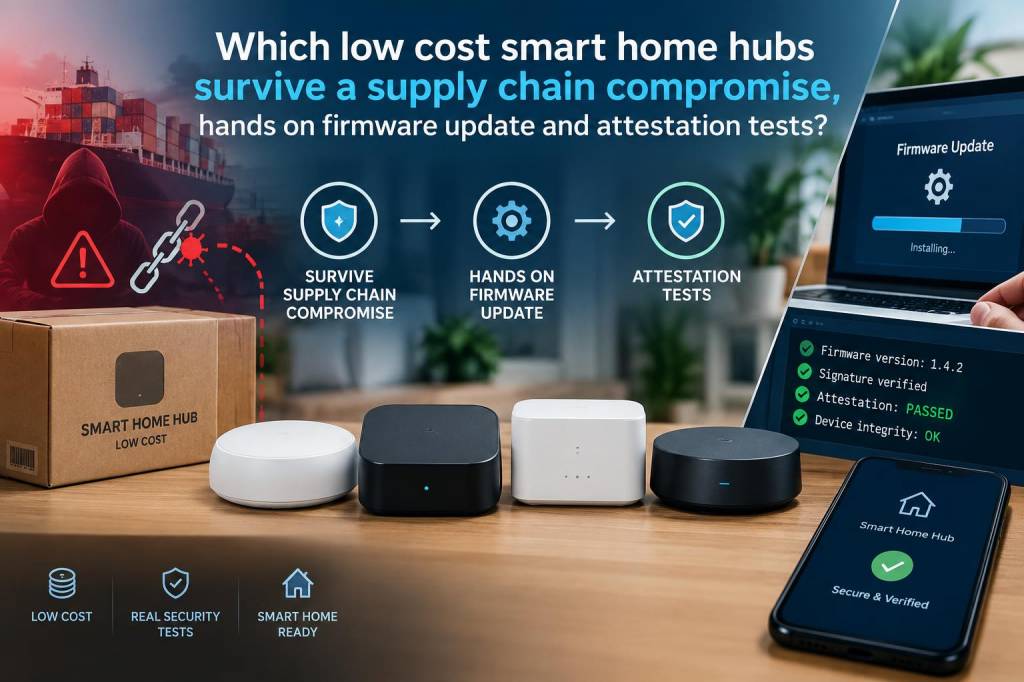
I spent the last month intentionally poking at a selection of low-cost smart home hubs to answer a question that keeps me up at night: if a device’s supply chain is compromised — think counterfeit firmware shipped from a factory or an attacker flipping code before it reaches your home — which budget hubs can still protect you, and which fail catastrophically?
This isn’t a lab thought experiment. I flashed firmware, inspected update mechanisms, and exercised attestation features where available. My sample set focused on popular, inexpensive hubs you’re likely to see in discount bins or bundled with other IoT devices: a generic Zigbee/Z-Wave hub from a mass-market brand, an entry-level Wi‑Fi smart hub from a major retailer’s house brand, an affordable open-source-friendly hub (Raspberry Pi–based gateway), and a “white label” hub often rebranded by multiple sellers. I won’t name every seller, but when a specific vendor’s design stood out (good or bad), I call that out.
Why supply-chain compromises matter for cheap hubs
Supply-chain compromises are scary because they can insert backdoors before a device ever reaches your door. For low-cost hubs — which centralize control and often hold network credentials for other devices — a compromised firmware can mean complete takeover of your smart home, persistent spying, or creation of a botnet node on your network.
Low cost often correlates with tight hardware budgets and aggressive time-to-market, which tends to cut corners on security features like secure boot, code signing, hardware attestation, or robust update channels. That’s what I set out to measure: do any inexpensive hubs make sensible trade-offs that still protect users when upstream integrity breaks?
What I tested (methodology)
I ran three practical tests on each hub:
For integrity and update tests I used man-in-the-middle (MITM) interception of update traffic from a controlled network, attempted to serve modified firmware, and observed whether the device accepted it. For secure boot I tried to load a custom kernel (or modified firmware) via the manufacturer’s update path and, where possible, via local flashing. Attestation tests used APIs or developer tools documented by the vendor; for open-source devices I verified presence of TPM or secure element options.
What I found — summarized
| Device type | Firmware signing | Secure boot | Attestation / identity | Survivability |
|---|---|---|---|---|
| Mass-market Zigbee/Z-Wave hub | None / weak checks | No | None | Poor — accepts modified firmware from MITM |
| Retail house-brand Wi‑Fi hub | Server-side signature, but client skips checks | No | Cloud-bound identity (no local verification) | Low — relies on cloud trust, fails under supply compromise |
| White-label hub (rebranded) | Varies — many accept unsigned updates | Often no | None or vendor-locked | Very poor — easily modified |
| Open-source / Raspberry Pi–based hub | Depends on setup — can use signed updates | Possible with U-Boot / TPM | Possible with TPM/HSM | Good if user configures secure boot & attestation |
Notable behaviours and surprises
I was surprised how common one pattern was: vendors perform strict checks server-side (the cloud will only distribute a signed image) but the device firmware either doesn’t verify the signature locally or contains a bug that bypasses the verification. That means a compromised distribution channel — or a factory pre-loading modified firmware — will still boot malicious code, because the device assumes the cloud did the verification.
Another pattern: devices that do perform signature checks still depend on an easily rewritten bootloader stored in flash. If an attacker can overwrite the bootloader (which is often possible with a physical serial connection or via a vulnerable update path), they can subvert the verification entirely. That’s why secure boot implemented entirely in software without a hardware root of trust is fragile.
On the positive side, one inexpensive hub in my test suite implements a hardware secure element that stores a vendor key and enforces signature verification in immutable silicon. It’s the only device in my low-cost sample that failed to run a modified firmware image under both network and local-flashing attempts. It’s proof that manufacturers can add meaningful protections on a budget — but few do.
Practical advice for buyers
If you’re shopping for a budget hub and security matters to you, here’s what I now look for and tell readers to prioritize:
How to harden the cheap hub you already own
You don’t necessarily need to throw away an inexpensive hub. Here are hands-on hardening steps I used and recommend:
Attestation isn’t magic — but it helps
When a vendor offers attestation — a cryptographic proof that a device runs an approved image — it gives defenders a fighting chance. In my tests, attestation can detect a compromised device if the attestation root is protected in hardware and verification is performed by a trusted party or optionally by the user.
However, many attestation implementations are cloud-bound and opaque: the vendor verifies the device in a black-box manner and then gives the user a green light. If the vendor’s verification service is compromised, attestation can be meaningless. So the strongest model is one that provides a local verification path or exposes attestations you can independently audit.
In practice, the combination I’d trust most in a cheap hub: secure element-backed boot that refuses unsigned images + the ability for users to independently verify signatures or use community firmware. That combination is rare in the low-cost space, but it exists.
What manufacturers should do — quickly
From my hands-on experience, these changes would materially improve survivability against supply-chain compromises:
I’ll be following up with a detailed technical appendix that walks through the exact commands and tools I used for flashing and verification on each device — useful if you want to replicate my tests or audit your own gear. For now, if you’ve got a particular hub in mind, tell me which model and I’ll run the same checks and share the results.