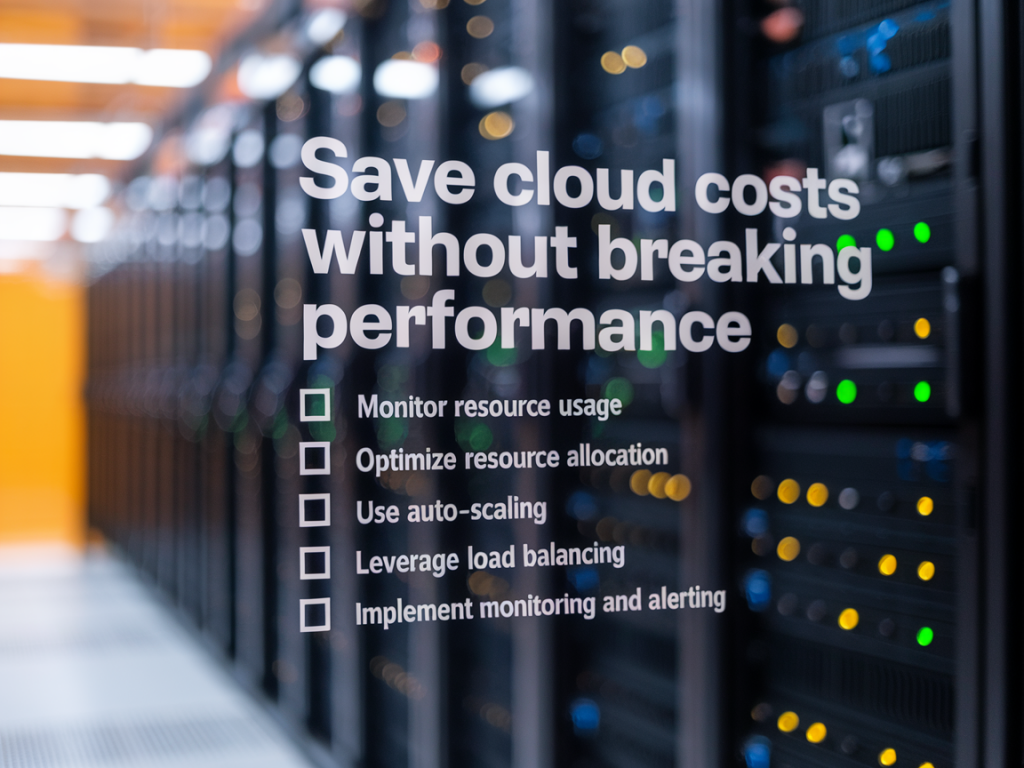
I’ve spent years helping teams balance two competing forces: keeping cloud bills from spiralling out of control while preserving — or even improving — application performance. It sounds like a compromise in principle, but with the right measurement and a practical checklist you can achieve big savings without slowing users down. Below I share the concrete tactics I use when auditing cloud spend, plus the rationale and quick wins engineers can implement in hours or days.
Start with measurement: know your baseline
You can’t optimise what you don’t measure. My first step is always to assemble a clear baseline of cost and performance.
When I do this I aim to answer: which resources are the most expensive, which are steadily increasing, and which have low utilisation but high cost. That directs the rest of the checklist.
Rightsize compute: match instance types and counts to real demand
Rightsizing is the low-hanging fruit. Teams often overprovision “just in case.” I prefer rightsizing with data.
On AWS I commonly replace general-purpose m5 instances with burstable t3/t4 for low-throughput services, or opt for c6i when CPU-bound. On GCP, N2/N1 family swaps often help. Be careful: switching families requires testing to avoid noisy-neighbour or network perf regressions.
Use Spot/Preemptible instances for non-critical workloads
Spot (AWS) / Preemptible (GCP) instances can reduce compute costs by 60–90% when used correctly.
Pick the right storage class and lifecycle policies
Storage is one of the sneakiest line items. I always review how accessible the data needs to be and for how long.
For example, moving infrequently accessed logs to S3 Infrequent Access and deleting snapshots after retention windows can produce immediate savings.
Reduce data transfer costs
Data egress and cross-zone transfers pile up in distributed systems. The fix is both architectural and tactical.
Choose managed services judiciously
Managed services often save engineering time but sometimes at a premium. I weigh total cost of ownership, not just hourly price.
Optimize databases and caching
Databases are both performance-critical and expensive. Small changes here yield big returns.
Automate on/off schedules for non-production environments
Development and staging environments get left running 24/7. I automate schedules to save costs without slowing teams.
Implement tagging, budgets, and alerts
Cost governance prevents surprises.
Leverage reserved instances and savings plans carefully
Reserved instances (RIs) and savings plans can reduce compute cost if your baseline usage is predictable.
Make performance-efficient code a priority
Sometimes the best savings come from algorithmic improvements.
Table: Action, Typical Cost Impact, Performance Risk
| Action | Typical Cost Impact | Performance Risk |
|---|---|---|
| Rightsize instances | 10–40% | Low if measured |
| Use spot/preemptible | 60–90% for compute | Medium (interruptions) |
| Storage lifecycle policies | 10–70% depending on data | Low (access delay for archive) |
| Move assets to CDN | Variable; reduces egress | Low |
| Turn off dev environments | 5–25% overall | Low (requires developer workflow) |
Make these changes with incremental rollouts and performance SLAs in place. Start with low-risk, high-impact items (rightsizing, lifecycle policies, turning off unused resources), then layer in more structural changes (architecture refactors, spot fleets, committed use discounts).
Finally, keep cost optimisation ongoing. Cloud is not a “set and forget” expense. I schedule a lightweight cost review each sprint and a deeper audit quarterly. When teams treat cost as a continuous engineering problem, you get sustainable savings without sacrificing the performance your users expect.